
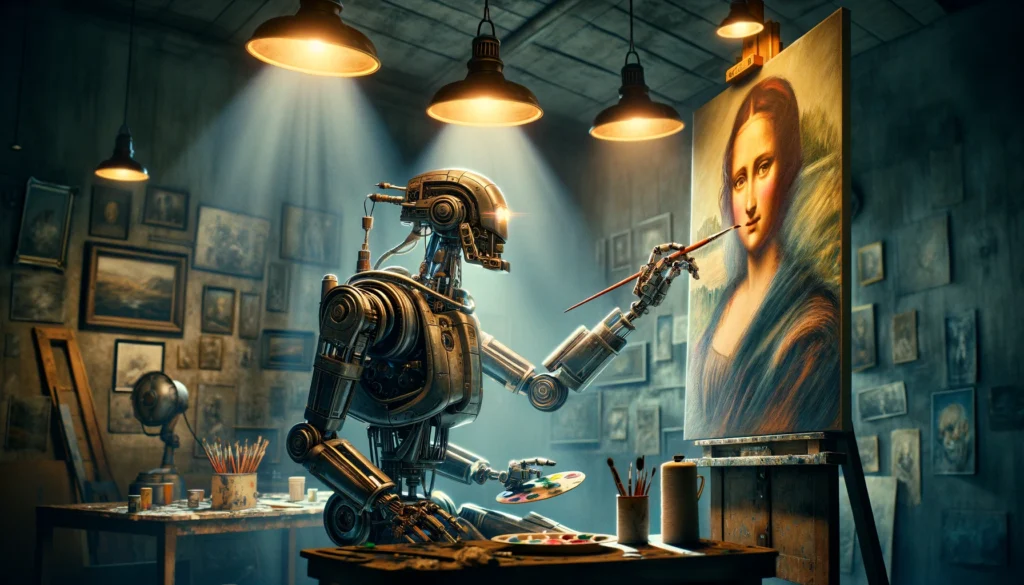
Artificial Intelligence has transformed the way we create digital art. With AI-powered image generators like DALL·E, MidJourney, and Stable Diffusion, anyone can turn ideas into visuals without needing advanced design skills. But the secret to getting amazing results lies in crafting the right prompts.
In this blog, we’ll explore the best AI prompts, techniques, and tips to help you generate eye-catching images effortlessly.
1. Understand the Power of AI Prompts
A prompt is essentially a textual instruction you give to the AI. The more descriptive and precise your prompt, the better the AI can understand your vision. A vague prompt may result in generic or unsatisfactory images, while a well-crafted prompt can produce art that’s nearly indistinguishable from professional work.
For example:
- Vague Prompt: “A cat”
- Strong Prompt: “A fluffy white Persian cat sitting on a vintage armchair, bathed in warm sunlight, in an impressionist painting style”
Notice how the second prompt gives details about the subject, environment, lighting, and style, which guides the AI better.
2. Best Practices for Writing AI Image Prompts
Here are some key techniques to enhance your prompts:
a. Be Specific About the Subject
Specify the main subject clearly. Include attributes like color, texture, size, or unique features.
Example: “A golden retriever puppy with sparkling eyes, wearing a red scarf, sitting in a snowy forest.”
b. Define the Style
Include the artistic style, era, or type of visual you want.
Example: “Cyberpunk cityscape at night, neon lights reflecting on wet streets, in a futuristic digital art style.”
c. Mention the Mood or Atmosphere
Mood sets the tone for the image. Words like “mysterious,” “dreamy,” “dramatic,” or “calm” help AI capture emotions.
Example: “A serene lakeside sunrise with mist, painted in a soft watercolor style.”
d. Specify Camera Angles or Perspectives
For more realistic images, include angles or perspectives.
Example: “Top-down view of a bustling marketplace, vibrant colors, highly detailed.”
e. Include Lighting and Environment
Lighting can drastically affect the feel of the image. Mention natural or artificial light sources, time of day, or weather.
Example: “A knight standing on a cliff at sunset, golden light reflecting off armor, cinematic atmosphere.”
3. Popular Prompt Structures That Work
You can use a simple template to structure your prompts:
[Subject] + [Action/Position] + [Environment] + [Style] + [Mood/Lighting] + [Camera Angle/Details]
Example: “A majestic dragon flying over a medieval castle during a storm, dark fantasy art, highly detailed, cinematic perspective.”
This structure helps AI understand exactly what you want, reducing guesswork.
4. Experiment with Keywords and Tags
AI generators often respond well to specific keywords like:
- Ultra-realistic
- 8K resolution
- Cinematic lighting
- Vibrant colors
- Hyper-detailed
- Matte painting
- Concept art
Adding these can elevate your image from basic to professional-quality.
5. Use Negative Prompts for Better Control
Some AI models allow negative prompts to exclude unwanted elements. For example:
- Positive Prompt: “A beautiful futuristic city at night”
- Negative Prompt: “No people, no cars, no rain”
Negative prompts prevent common AI mistakes and refine results.
6. Examples of Powerful AI Prompts
Here are a few examples you can try:
- Fantasy Art:
“An enchanted forest with glowing mushrooms, fairies flying, mystical fog, digital painting, ultra-detailed, vibrant colors” - Sci-Fi Scene:
“Futuristic space station orbiting a gas giant, neon lights, cinematic lighting, 8K concept art” - Character Portrait:
“A cyberpunk hacker girl with neon hair, wearing augmented reality glasses, dark city background, highly detailed, dramatic lighting” - Nature Photography:
“Close-up of dew on a rose petal, morning sunlight, macro photography, realistic and highly detailed”
7. Tools to Generate Images with AI
Some of the most popular AI image generators include:
- DALL·E – Excellent for creative and realistic images.
- MidJourney – Known for artistic and stylistic visuals.
- Stable Diffusion – Open-source with flexible customizations.
- Craiyon (formerly DALL·E Mini) – Quick and simple for casual use.
Experiment with multiple tools to find the one that matches your style and needs.
8. Tips for Consistently Great Results
- Start broad, then refine your prompts.
- Use multiple iterations to improve images.
- Mix styles and themes to explore creative results.
- Observe AI trends online for new keywords and prompt ideas.
Conclusion
AI image generation opens a world of creative possibilities. The key is crafting precise, descriptive, and imaginative prompts. By following these techniques and experimenting with different styles, moods, and details, you can generate stunning visuals for art, marketing, storytelling, or personal projects.
Start experimenting today, and watch your ideas come to life with AI-powered image creation.
